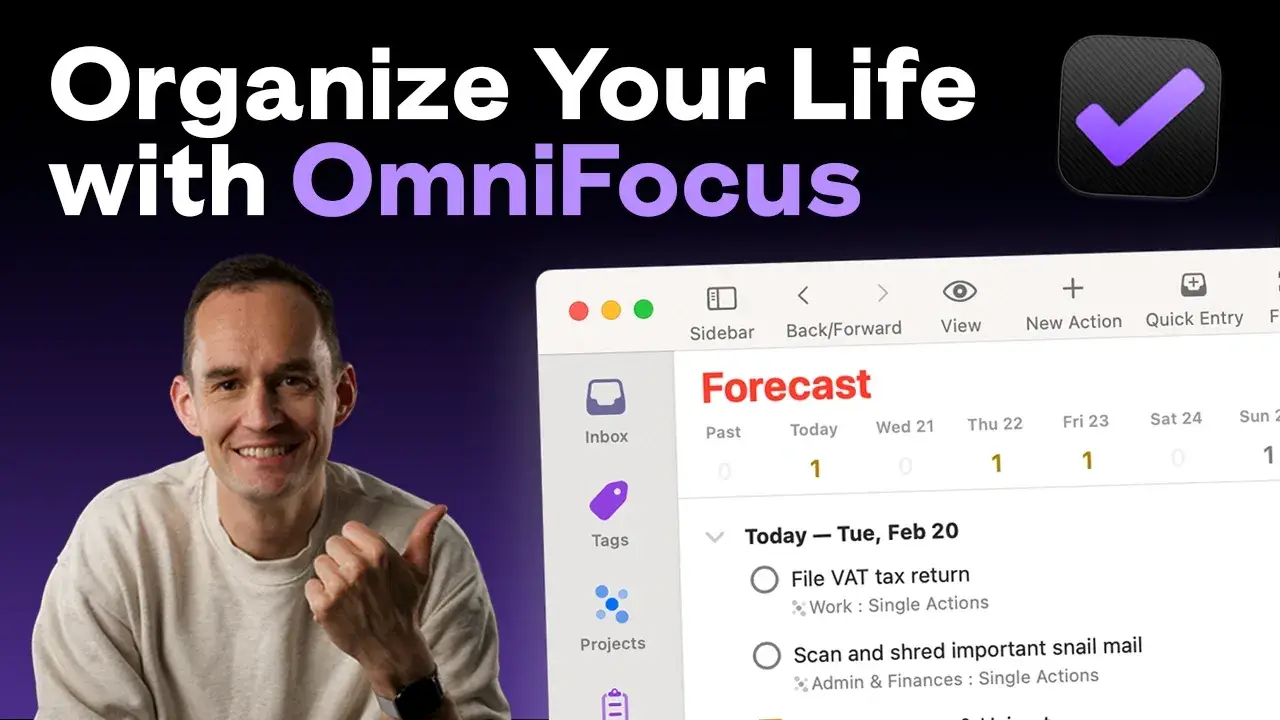
Organize Your Life with OmniFocus
-
Getting started: moving your to-dos into OmniFocus
6 lessons- Welcome & about the course
- Clear your mind with a fresh start
- Capture to-dos fast with Quick Entry
- Keep information handy with notes and attachments
- Get to inbox zero with OmniFocus
- How to keep your OmniFocus database clutter-free
-
Organizing your to-dos with folders, projects, and more
6 lessons- Organize your life at a high level with folders
- Install my recommended OmniFocus setup with one click
- Keep an overview with OmniFocus’s different project types
- Set up and organize your projects
- Tag your to-dos for an extra granular view
- Interlude: OmniFocus support and keyboard shortcuts
-
Planning productive days and weeks
7 lessons- Schedule smartly by mastering the defer, planned, and due dates
- Track your repeating to-dos and projects (part 1)
- Track your repeating to-dos and projects (part 2)
- Use OmniFocus’s notifications wisely for reminders that don’t overwhelm
- Set up the Available perspective to see exactly what’s relevant right now
- Make the Forecast perspective your command-and-control center
- Build your workflow for highly productive days and weeks
-
Staying on track and staying focused
4 lessons- Use OmniFocus to build the #1 productivity habit: weekly reviews
- Customize your weekly review so it works for you
- Making planning easier by reducing your choice set
- See only what’s relevant with Focus Mode
-
Going further with OmniFocus
6 lessons- Use project templates to save time and be more consistent
- Use flags to prioritize what matters most
- Track tasks you’ve delegated with special tags
- Slice and dice your to-dos with extra custom perspectives
- Access OmniFocus on the web or with Siri
- Master OmniFocus on iPhone and iPad
-
Wrapping up
2 lessons- Thank you! (And what’s next)
- Before you go…
Here’s what others are saying...
Andrew
“I have been trying to use OmniFocus on and off for YEARS, like maybe a decade and after Peter’s course this is the FIRST time I actually feel like I know what I’m doing.”

Mark H.
“Peter’s course brought a couple of breakthrough moments for me that were quite literally life changing.
I know that sounds dramatic, but when everything you do stems from this workflow system, and someone removes a clog from your system, it really is life changing.”
Joakim Ö.
“I wish all my colleagues would take Peter’s course.
Everyone can learn something and my life would be a lot easier if everyone around me was as organized as I am now 😁”