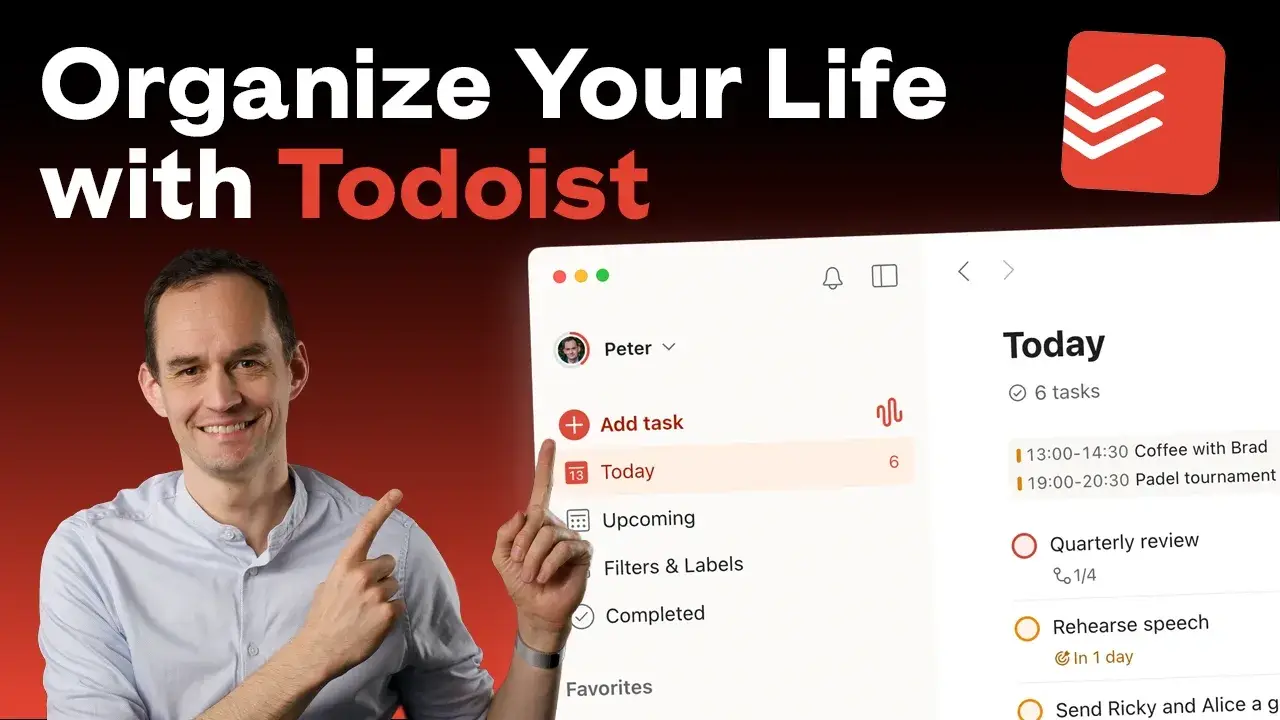
Organize Your Life with Todoist
-
Start here
3 lessons- Welcome & about the course
- Preparing your Todoist setup
- Todoist Cheat Sheet
-
Module 1: Making Todoist your central source of truth
4 lessons- Getting tasks out of your head and into Todoist
- Using dates and deadlines to make sure nothing slips through the cracks
- Mapping out your days with times and durations
- Tracking your recurring commitments automatically
-
Module 2: Giving your system its basic shape
4 lessons- Identifying your areas of responsibility
- Using projects to get clear on your next steps
- What belongs in Todoist? Keeping it tidy
- Connecting Todoist to your calendar for integrated planning
-
Module 3: Prioritizing and staying on top of things with Todoist
5 lessons- Planning productive days, part 1 (the daily workflow)
- Planning productive days, part 2 (priorities and time blocking)
- Using Todoist’s notifications wisely for reminders that don’t overwhelm
- Weekly reviews: the #1 productivity habit, part 1
- Weekly reviews: the #1 productivity habit, part 2
-
Module 4: Capturing your to-dos with less friction
4 lessons- Capturing to-dos faster with Quick Add
- Talking your to-dos into Todoist
- Capturing tasks quickly on your phone
- Processing email and messaging action items with Todoist
-
Module 5: Refining your system
6 lessons- Setting up filters to see exactly what’s relevant
- Using sections to keep lists organized and make planning easier
- Applying a little extra structure with labels
- Customizing Todoist on your computer
- Customizing Todoist on your phone
- Saving time with templates
-
Module 6: Using Todoist to collaborate with others (incl. workspaces)
4 lessons- Sharing a project and assigning tasks without workspaces
- Setting up workspaces and managing team members
- Using workspaces to collaborate with others
- Using Todoist for both personal and work to-dos
-
Wrapping up
2 lessons- Thank you! (And what’s next)
- Before you go…
Here’s what others are saying...

Elzo G.
“Although I’ve been a long-term Todoist user, Peter’s course taught me so many things I did not know. It gave me a feeling of peace, of being in charge, in control.”

Jim S.
“I just finished Module 1, Capturing your To-Dos, and I already feel like I’ve gotten my money’s worth from the course.
It’s not just the actionable 1-2-3 steps that Peter gives you, it’s the clearly laid out process that has re-grounded my thinking about how to be more productive.”

Brad J.
“This is a fantastic life process course that also teaches you how to use one of the best task managers on the market at the same time.”